Products / Bizz AI Workspace
Your company's knowledge,
in one
chat
Reach the information in SAP, your documents and your calendar from one chat; get work done with your approval and hand repetitive work to agents. On your own servers, on the web and on mobile.

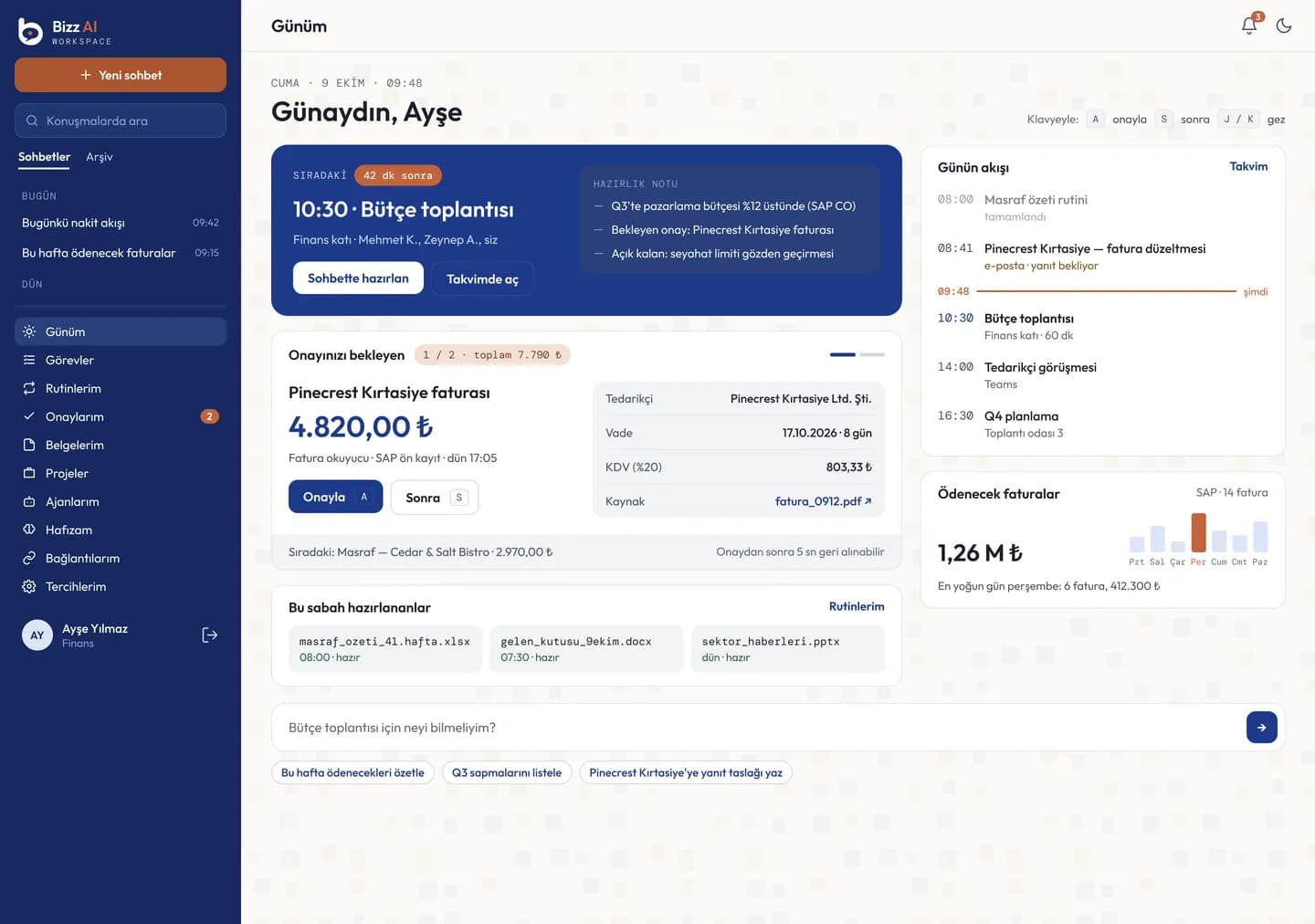
Problem and answer
Information is scattered: SAP, document folders, email and calendars are all separate
All of it in one chat screen
SAP screens are hard; simple tasks require knowing codes and fields
Ask in plain language; Workspace prepares the task
General AI tools cannot reach company data
On your own servers, with on-premise models
AI writing to systems on its own is a risk
Every SAP action comes as an approval card first; 5 seconds to undo
It is unclear where an answer came from
Every answer with the document name and page number
Typing invoice and receipt data by hand takes time
The document is read, VAT is calculated, the pre-posting is prepared
How it works
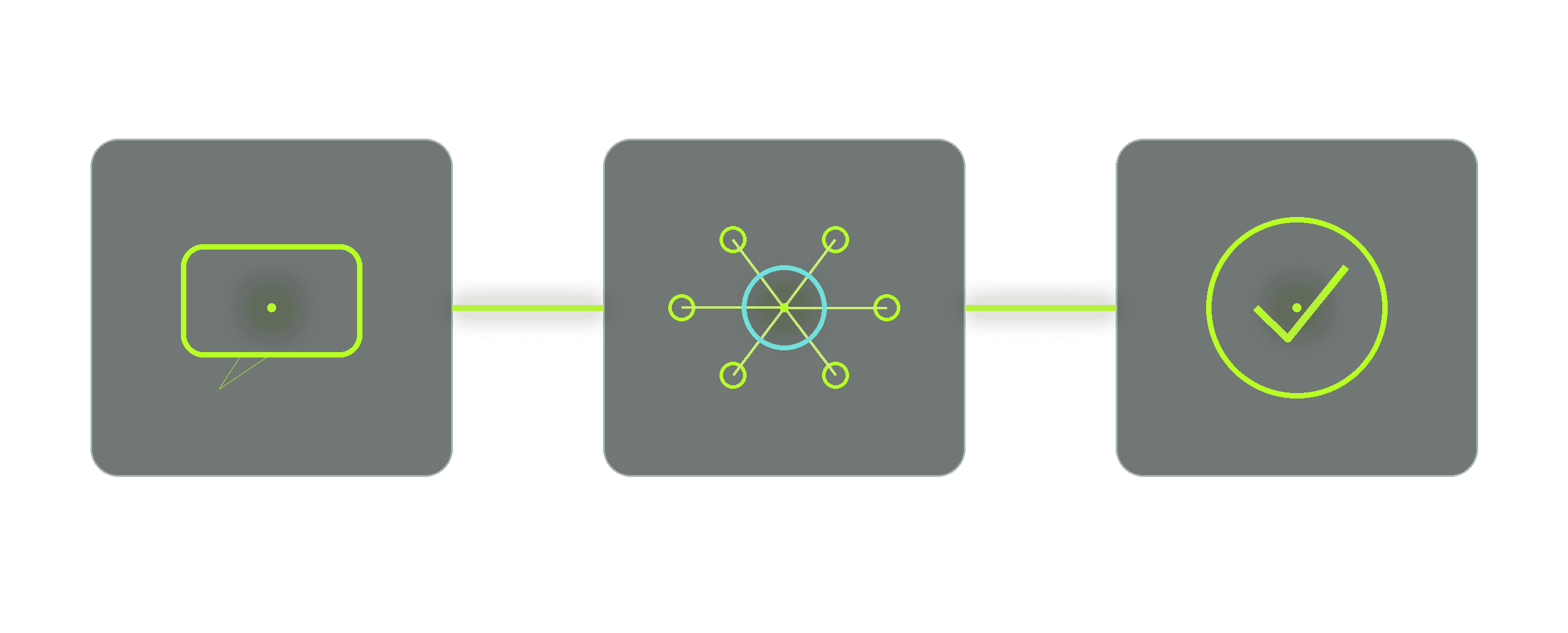
01
Ask
Type in plain language or tap a ready card.
02
Workspace prepares
It answers from the right system, under your permissions, or prepares the task as an approval card.
03
You approve
Nothing goes to SAP without your approval; after approving, you have 5 seconds to undo.
Features
- 01
Sourced answers
Every piece of information comes with the document name and page number; tap the source to open the document.
- 02
Work in SAP
FIORI and SAP GUI password resets, expense entry, invoice pre-posting, contract lookup, invoices due.
- 03
From document to record
A photo of an invoice or receipt is read; date, amount and VAT lines are prepared, and items are checked against the receipt total.
- 04
My Day and the approval queue
Start the day on one screen: the next meeting, items awaiting approval, the morning report.
- 05
Task mode and routines
Multi-step work runs as plan, approval, execution; finished work becomes scheduled with "Make it a routine".
- 06
Your organization's own agents
Agents such as "check the invoice when it arrives and prepare the pre-posting", with limits and approvals.
- 07
Email and calendar
Inbox summary, meeting preparation notes, approved email sending.
- 08
Mobile app
iOS and Android; swipe to approve, scan documents with the camera.
Agents
Describe the repetitive work once, let an agent do it
Your organization builds agents for its own processes: it sets the instructions, the allowed tools and the trigger. Agents run on a schedule ("every morning"), on an event ("when an invoice arrives") or on request, and ask the right person for approval before writing to SAP. Every agent has limits and a budget, and can be paused at any time.
- 01An invoice arrives
- 02the agent reads and checks it
- 03the pre-posting is prepared
- 04it lands in the approval queue
- 05once approved, it goes to SAP.
Scenarios
An employee who forgot a password
They say "Reset my FIORI password"; Workspace prepares the request as an approval card; once approved, the new password arrives by SMS.
Invoice pre-posting
Accounting uploads the invoice; invoice number, date, amount and VAT are ready on the card; once approved, the record goes to SAP.
Month-end receipts in bulk
Several receipts are uploaded at once; the ones read are listed, and those ready go to approval with one tap.
A manager's morning
Items awaiting approval, the next meeting and the morning report, all in one place on My Day.


Product screens
01 · My Day
02 · My Documents
03 · Approval card and my leave
04 · Mobile · Chat
05 · Mobile · Sourced document answer
06 · Mobile · Invoice pre-posting
Security
- 01
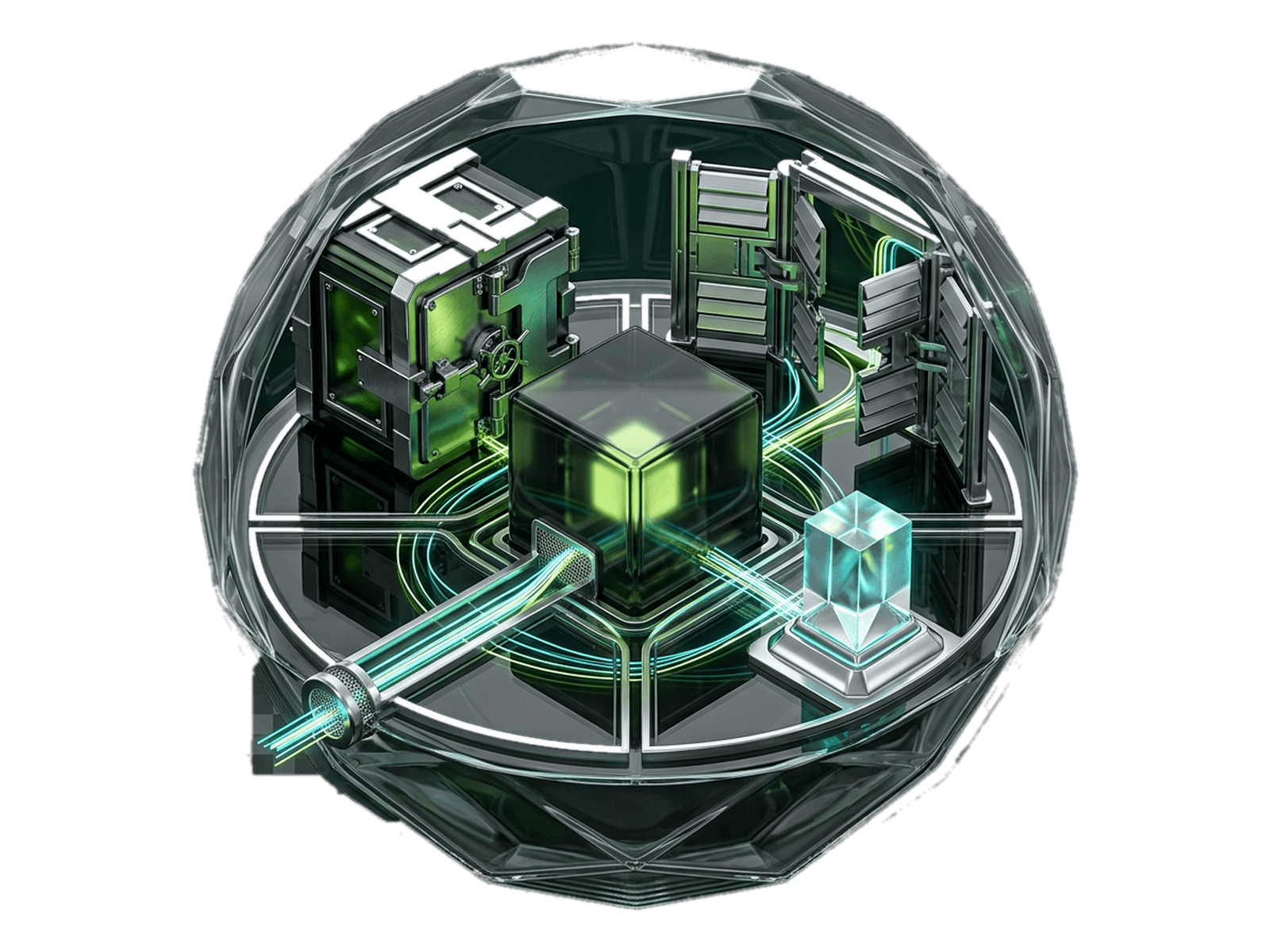
Data stays inside
Conversations, documents and models live on your servers.
- 02
Approval first
Every action that writes to SAP comes as a card first; agents follow the same rule.
- 03
Under your own permissions
Each user sees only the areas they are authorized for and their own documents; SAP actions run under their own SAP identity.
- 04
Audit log
Admin and agent actions are written to a tamper-proof log.
Integrations
- SAP (FIORI and SAP GUI)
- Microsoft 365
- Microsoft Teams
- Google Workspace
- Active Directory / LDAP
- Microsoft Entra ID / OIDC
- Confluence and Notion
- on-premise AI models
- official legislation sources
Bizz AI Workspace works with SAP, Microsoft 365, Google Workspace and Active Directory; your organization's own SAP services are added without code.
Installation
Installed on your own servers as a single package, under your organization's name: "<Company> Bizz Workspace".
Your SAP services, areas, rules and approval cards are defined in the admin panel; the product code does not change.
In the web browser and in the iOS / Android apps.
FAQ
Where is our data kept?
On your organization's own servers; the AI models run inside too.
Could Workspace change something in SAP by mistake?
No. Every action comes as an approval card first; after approval, it can be undone within 5 seconds.
Our SAP services are different
Services, areas and rules are defined in the admin panel; no code changes.
Does it read scanned documents?
Yes; difficult pages are re-read with an on-premise vision model.
Can we build our own agents?
Yes. You set the instructions, the allowed tools and the trigger.
Is there a mobile app?
Yes, for iOS and Android.
Bizz AI Workspace
Want to see it on your own servers?
We will show our products against your needs, using fictional data.